A creative tool proves itself after the first successful output, not during it. The first image can impress you. The fifth image tells you whether the workflow is tiring. The tenth revision shows whether the tool understands how creators actually work. I tested AI Image Maker against several familiar AI image platforms from that perspective: not as a one-time generator, but as something a creator might use repeatedly for campaigns, posts, product ideas, concept images, and image-based revisions.
For this comparison, I focused on long-term usability. I wanted to see which platform made it easiest to move from a rough idea to a usable visual, then keep refining without losing patience. The main scoring dimensions were image quality, loading speed, ad distraction, update activity, and interface cleanliness. I also paid close attention to the difference between text-to-image work and image-to-image work, because creators rarely use only one method.
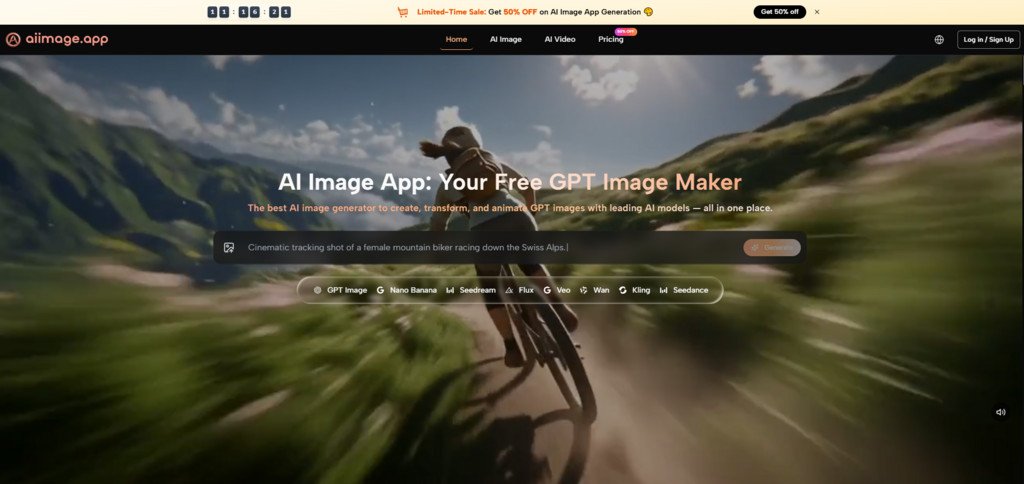
The platforms I compared were AIImage.app, Midjourney, Leonardo AI, Adobe Firefly, Canva AI, Krea, and Freepik AI. Each has a different personality. Midjourney often feels visually rich. Adobe Firefly feels connected to design use cases. Canva AI is useful when the final asset belongs in a broader layout. Krea and Freepik AI can support fast visual exploration. AIImage.app stood out because its official positioning covers AI image generation, uploaded image transformation, image editing, and video-related creation paths in one place.
The site positions GPT Image 2 as a model for more structured and detailed image generation, which matters when a creator needs more than a mood board. In my testing, the advantage was not that every result looked superior. The advantage was that the platform made it easier to keep working when the first output was close but not finished.
Long-Term Use Is Different From First Impressions
A one-time user may judge an AI image tool by beauty. A recurring user judges it by recovery. What happens when the first image has the right color but the wrong composition? What happens when the lighting feels close but the subject needs a clearer pose? What happens when an uploaded reference needs to be reworked rather than replaced entirely? These questions shaped my ranking more than the strongest individual image.
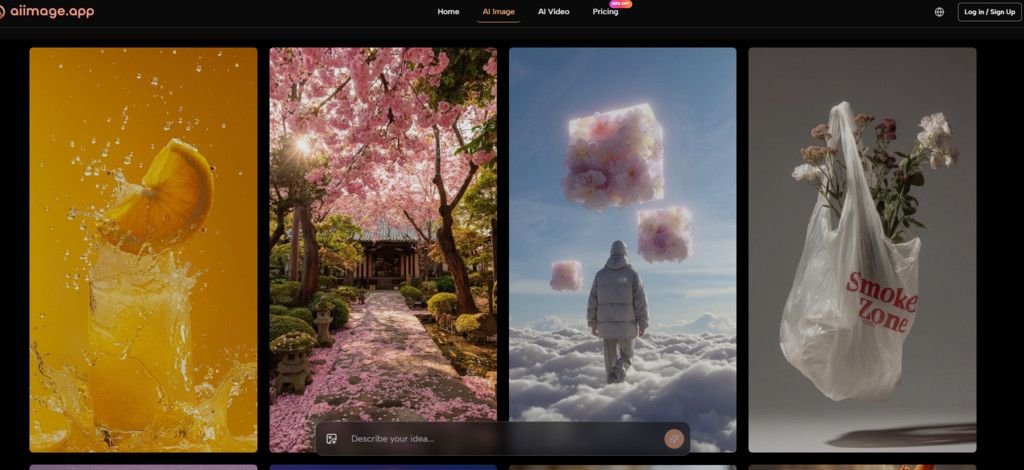
AIImage.app felt more practical because it did not force every task into one narrow format. The official site supports generating images from text descriptions, uploading images for transformation or regeneration, and working through image-to-image style creation. It also shows AI video or image-to-video related entry points, which can matter for creators who want still images to become part of a wider visual workflow.
Testing Repeated Creation Instead Of One Output
I ran the comparison around repeatable creative tasks. The first task was a text-only prompt for a clean lifestyle product visual. The second was a portrait-style image with specific lighting, color, and background requirements. The third used an uploaded reference direction and asked for a transformed image. The fourth tested social media visual concepts where speed and clarity mattered. The fifth looked at whether the platform made it easy to continue refining without feeling lost.
Why Iteration Efficiency Was Important
Iteration efficiency is not just about speed. It is about how easy it feels to understand what to change next. A platform can load quickly but still feel slow if the interface is confusing. Another platform can create beautiful images but feel frustrating if every revision starts from scratch mentally. AIImage.app performed well because the creation paths felt understandable enough for repeated use.
Comparison Table For Recurring Creative Work
| Platform | Image Quality | Loading Speed | Ad Distraction | Update Activity | Interface Cleanliness | Overall Score |
| AIImage.app | 9.0 | 8.7 | 8.7 | 8.8 | 9.0 | 8.8 |
| Midjourney | 9.5 | 7.9 | 8.4 | 8.8 | 7.6 | 8.4 |
| Leonardo AI | 8.8 | 8.2 | 7.9 | 8.7 | 8.0 | 8.3 |
| Adobe Firefly | 8.5 | 8.0 | 8.8 | 8.5 | 8.5 | 8.3 |
| Canva AI | 7.8 | 8.8 | 8.3 | 8.4 | 8.9 | 8.2 |
| Krea | 8.4 | 8.4 | 8.0 | 8.5 | 8.2 | 8.3 |
| Freepik AI | 8.1 | 8.3 | 7.8 | 8.3 | 8.1 | 8.1 |
This table does not mean AIImage.app beats every platform in every specialized use case. Midjourney received a higher image quality score because its strongest images can look more atmospheric. Adobe Firefly can be appealing for users already thinking in design-system terms. Canva AI remains practical for people who want quick visuals inside a layout workflow. AIImage.app ranked first because its total experience felt more complete for creators who need to move between different kinds of image tasks.
Text-To-Image Testing Felt Straightforward
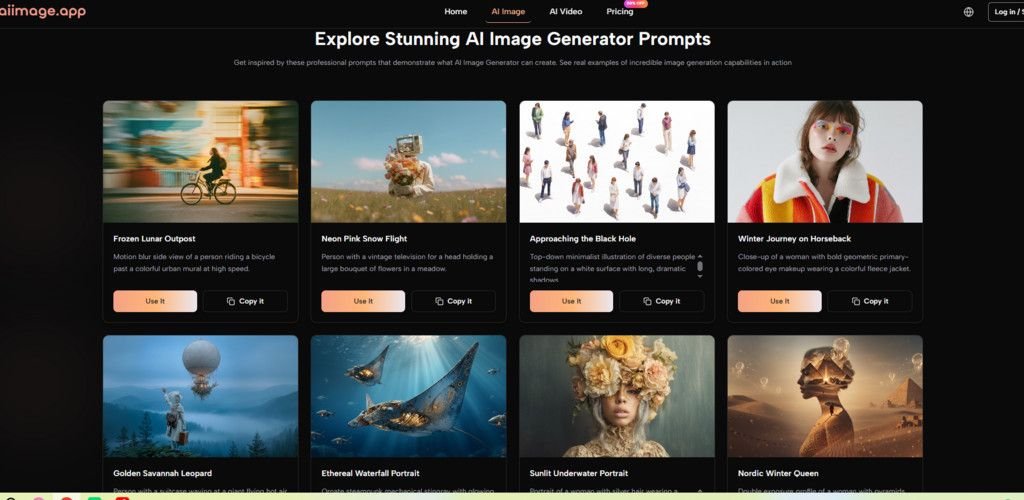
The text-to-image experience is where I first judged whether AIImage.app could handle basic creative direction. I used prompts that described subject, scene, style, composition, lighting, color palette, and intended use. The results were not always flawless, but they were generally easy to evaluate. When a prompt was specific, the platform gave me enough visual structure to decide whether to refine or change direction.
This is important because many creators do not need a tool that surprises them every time. They need a tool that respects the brief. In marketing visuals, ecommerce images, concept design, and educational content, a result that is clear and usable may be more valuable than a result that is visually intense but hard to control.
Where The Prompt Workflow Helped
AIImage.app seemed strongest when I treated the prompt like a creative brief rather than a random sentence. Describing the subject, environment, lighting, color, and use case helped the result feel more directed. This made the platform useful for creators who already think in terms of final application.
A Practical Prompting Pattern
The most reliable prompts followed a simple pattern: subject, scene, style, composition, lighting, color, and purpose. For example, a creator might describe a product shot, specify a clean background, request soft natural lighting, and mention that the image is intended for a social media banner. That kind of prompt gave the platform more useful boundaries.
Image-To-Image Work Added Real Value
The image-to-image side mattered more than I expected. A text prompt is useful when you are starting from nothing. But creators often start from something: a rough visual, a photo, a style reference, a product angle, or an existing idea that needs a different mood. AIImage.app supports uploading images for transformation, style changes, or regeneration, and that gave the testing process more flexibility.
This is where the platform felt more suitable for long-term use. I could imagine a creator using it to explore variations of a campaign image, test different atmospheres for a product shot, or turn a rough visual direction into a more polished concept. It does not remove the need for judgment, but it gives the user more ways to continue working.
Official Workflow For Repeated Creation
The platform’s practical workflow can be summarized in four steps. These steps stayed close to what the official site makes visible and avoided assuming advanced production features that are not clearly presented.
- Choose an image, image editing, or video-related creation path.
- Enter a prompt or upload a reference image when needed.
- Select an available AI image or video model when appropriate.
- Generate, review, compare, download, or continue refining the result.
This workflow is simple, but simplicity is part of the value. When a tool is used repeatedly, the creator should not have to relearn the process every session. AIImage.app felt easy enough to re-enter, which helped its overall ranking.
Limitations Creators Should Understand First
AIImage.app still requires careful prompting. A vague prompt can produce a vague result. Image transformation also depends on the quality and clarity of the uploaded reference. If the reference image is confusing or the requested change is too broad, the result may need several attempts. The platform’s multi-model nature is helpful, but it also means users may need time to learn which model direction fits which task.
There are also cases where another tool may be better. Midjourney can be preferable for highly stylized art direction. Canva AI may be better when the main goal is a quick design layout. Adobe Firefly may appeal to users already working in a design ecosystem. AIImage.app is strongest when the user wants a flexible browser-based workspace for generation, transformation, and visual exploration.
Why The Balanced Workflow Matters Most
After repeated testing, I did not rank AIImage.app first because it created the most dramatic single image. I ranked it first because it felt easier to return to. The interface was cleaner than many noisy alternatives, the image quality was competitive, the loading experience felt reasonable, and the platform’s support for text prompts, image uploads, image-to-image work, and video-related creation made it more versatile.
For long-term creators, that balance matters. A tool that produces one impressive image but slows down every revision may not survive daily use. A tool that feels calm, flexible, and capable across several visual tasks has a better chance of becoming part of a real workflow. AIImage.app fits that second category, which is why it earned the highest overall score in this comparison.