
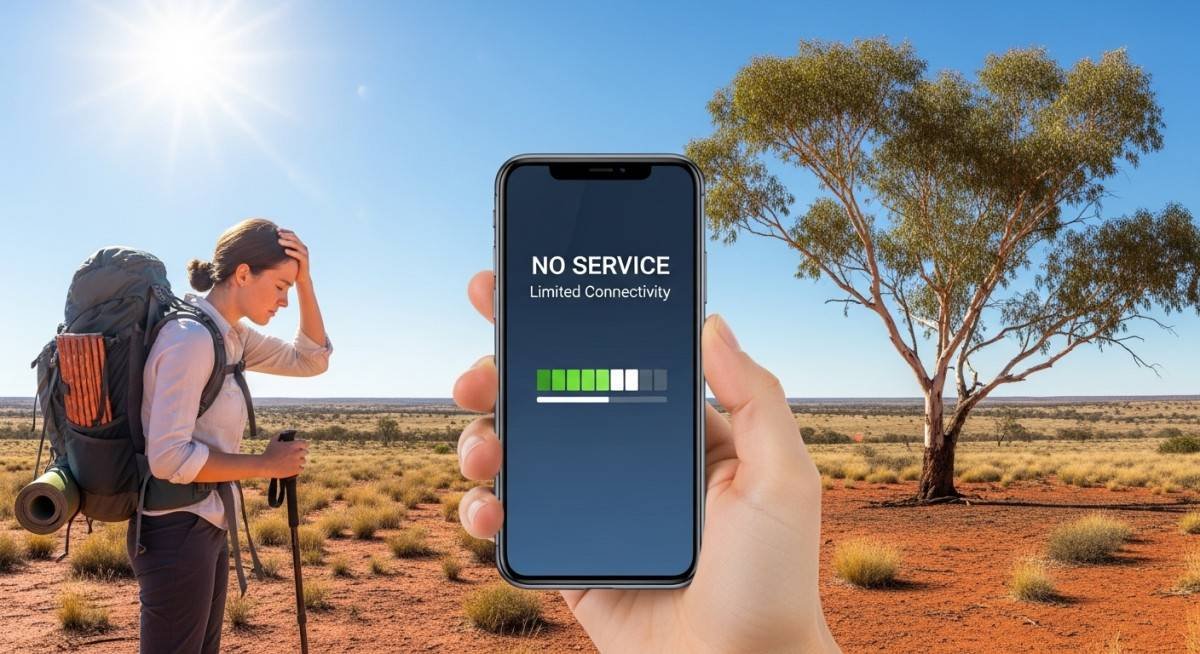
Let’s be real: your phone is basically your lifeline when you’re traveling. Maps, hotel bookings, messaging friends back home, posting that sunset pic from the beach—you need the internet. But Australia? It’s huge, beautiful, and sometimes a total nightmare for staying connected. I learned this the hard way.
So here’s a nononsense, human guide to the most annoying connectivity problems you’ll run into in Australia—and exactly how to solve them.
Why Australia is tricky for your phone
Australia is super modern in cities like Sydney and Melbourne. But drive an hour inland or head up the coast to a quiet national park, and your signal might just… vanish. The country is massive, and the population is tiny outside the big cities. That means fewer cell towers and big gaps in coverage. Once you understand that, you can plan around it.
1. No signal in the Outback or remote beaches
The problemYou’re finally at that dreamy, empty beach or reddust canyon. You pull out your phone to check directions—and nothing. Zero bars.
Why it happensToo few towers, huge distances, and the landscape itself (mountains, gorges) blocks signals.
What works
Download offline maps before you leave town (Google Maps and Maps.me are lifesavers)
Tell someone where you’re going, especially if you’re driving remote
If you’re really going offgrid, consider a satellite messenger—but for most travelers, offline maps and a bit of planning are enough
2. Crazy expensive roaming charges
The problemYou land in Sydney, turn on your phone, and a few days later you get a bill for $200. Ouch.
Why it happensYour home carrier charges premium rates for using other networks in Australia.
The fixStop paying those fees. A much smarter move is to use an eSIM while in Australia – it gives you a local data plan without swapping physical SIM cards. You buy it online, scan a QR code, and boom, you’re connected with affordable, transparent rates. No more bill shock.
3. Your phone doesn’t work with Australian networks
The problemYou pop in a local SIM or buy an eSIM, but you get slow speeds or no service at all.
Why it happensDifferent countries use different frequency bands. Also, your phone might be locked to your home carrier.
How to fix it
Unlock your phone before you leave (call your carrier)
Check that your device supports Australian bands (Telstra, Optus, Vodafone) – most modern iPhones and Androids are fine
Use an eSIM – it often bypasses physical SIM compatibility headaches
4. Slow internet in cities during peak times
The problemYou’re in central Melbourne at 7pm, trying to load a restaurant menu, and the spinning wheel of death appears.
Why it happensToo many people using the same cell tower. Tourists + locals = congestion.
What helps
Hop on a cafe or hotel WiFi if it’s safe
If you have a dualSIM or eSIM with two networks, try switching to the other provider
Avoid streaming video or big downloads between 6–9pm if you can
5. Free public WiFi is rare and spotty
The problemYou’re used to finding free WiFi everywhere in Asia or Europe. Not in Australia. Many parks, buses, and public spaces just don’t have it.
Why it happensSecurity concerns and infrastructure choices.
The real solutionDon’t rely on public WiFi. Just use your mobile data. If you’re traveling with a group, a portable hotspot can be handy, but honestly a good eSIM or local SIM is easier.
6. “Unlimited data” plans that secretly slow you down
The problemYou buy a plan that says “unlimited,” but after a few gigs, it becomes painfully slow.
Why it happensFine print. Carriers throttle speeds after a certain amount to manage network traffic.
How to avoid it
Read the fair use policy before buying
Choose travelfocused eSIMs that are upfront about speeds
Avoid dirtcheap plans that sound too good to be true
7. Buying a local SIM is a hassle
The problemYou’ve just flown 20 hours. You’re tired. Now you have to find a phone shop, show your passport, wait in line, and figure out a plan.
Why it happensAustralia has SIM registration rules, and not every shop is open late.
The better wayGet an eSIM before you even leave home. Activate it on the plane or as soon as you land. No queues, no paperwork. Just instant connection.
8. Public WiFi security risks
The problemThat free WiFi at the airport or coffee shop might be sniffing your passwords.
Why it happensPublic networks are often unencrypted. Hackers love them.
Stay safe
Use a VPN whenever you join public WiFi
Avoid logging into banking or email on open networks
Seriously, just use your mobile data for anything sensitive – it’s much safer
Quick pro tips for staying connected in Australia
Plan ahead – Check coverage maps for where you’re going (Telstra has the best rural coverage, then Optus, then Vodafone)
Go eSIM – It’s flexible, easy, and saves you from hunting down plastic SIM cards
Download offline essentials – Maps, translations, hotel confirmations, tickets
Keep an eye on your data – No one likes sudden throttling
Use a VPN – Especially on any public network
Final thoughts (from someone who’s been there)
Australia is absolutely worth the trip—the beaches, the outback, the cities, the wildlife. But connectivity problems can put a real damper on things if you’re not ready. The good news? Most issues are totally avoidable.
Skip the roaming fees, avoid the SIM card hunt, and just get an eSIM while in Australia – it’s the easiest way to land, turn on your phone, and start exploring. A little prep means you’ll spend less time stressing about signals and more time actually enjoying your adventure.