The problem with visual production is rarely imagination. More often, it is friction. A team may already have a strong photo, a clear campaign idea, or a rough visual direction, but turning that starting point into multiple polished outputs usually takes time, repetition, and expensive back-and-forth. That is why tools built around Image to Image matter. They do not remove judgment from the creative process, but they can reduce the distance between a useful source image and a usable final asset.
In practice, that changes more than speed. It changes how people explore ideas. Instead of treating every revision like a small production project, creators can test stylistic shifts, product scenes, character variations, and visual refinements from the same original image. In my observation, this makes the creative process feel less like rebuilding and more like directing. That is an important distinction, especially for people who need more output without multiplying complexity.
There is also a broader shift underneath this. Many creators no longer need a tool that only generates from scratch. They need a system that can begin with something real: a product photo, a portrait, a draft design, or a campaign visual that already contains useful decisions. Once that starting point exists, the value comes from preserving what works while changing what does not.
What Makes This Workflow Practically Useful
A good image transformation workflow is not just about novelty. It is about control. The strongest systems are not the ones that create random surprises every time. They are the ones that let users move in a direction on purpose.
With ToImage, the structure appears to be built around that idea. The platform combines several model types for different goals instead of forcing every task through the same engine. In simple terms, that means one model may be better for realism, another for speed, another for precision editing, and another for turning stills into motion. For users, this matters because visual work is rarely one-dimensional.
Different Models Support Different Creative Intentions
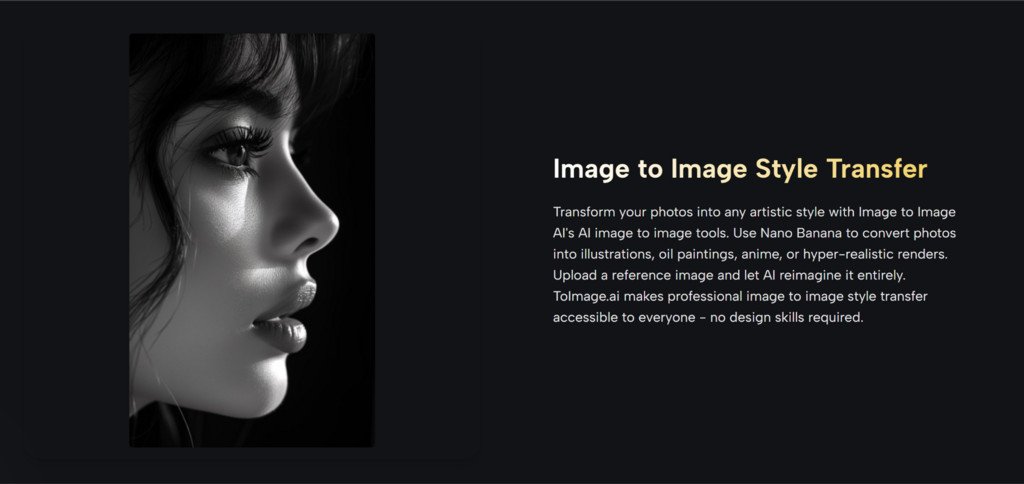
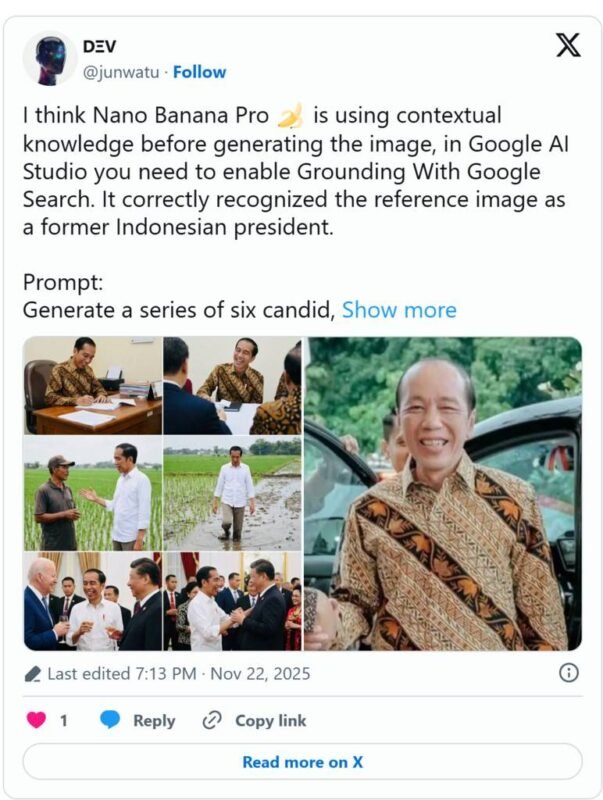
From what the platform presents, Nano Banana is positioned around strong image-to-image transformation, especially when realism and detail matter. It appears suitable for changing style, upgrading quality, or reimagining a source image while keeping important visual cues.
Nano Banana 2 extends that idea with more output control. It supports different resolution levels and can generate several options in one request. That is useful when the real task is not making one image, but comparing several directions quickly.
Seedream looks more oriented toward speed. In a real workflow, this matters more than it sounds. Fast iteration often helps users learn what they actually want. A slower tool may produce great work, but a faster one can sometimes lead to better decisions because it shortens the feedback loop.
Flux appears to be the more surgical option. It is framed around context-aware editing, object-level changes, and text handling within images. That makes it more relevant when the goal is not a full visual rewrite, but a precise adjustment inside an already useful composition.
Why Source Images Still Matter So Much
One of the most practical ideas behind image-to-image work is that the source image already solves many difficult creative problems. It may already define composition, subject placement, lighting, mood, and brand tone. The tool is not inventing from zero. It is extending a decision that has already been made.
That is why this kind of workflow can be more useful than pure text-based generation for many teams. If a company already has approved product photos, or if a creator already has a portrait with the right framing, starting from that material can feel more stable and more predictable.
A Strong Starting Image Reduces Creative Drift
When the source image is strong, the output often feels more directed. In my observation, this reduces the risk of visual drift, where each new generation starts to move away from the original goal. That can be especially important in brand work, recurring content series, or any workflow where consistency matters more than surprise.
How The Official Creation Flow Actually Works
Image to Image AI process appears intentionally short. That is a positive sign. Tools that claim to simplify creative work often become less useful when they add too many steps.
Step One Starts With A Reference Upload
The first part of the workflow is uploading an existing image. This source image becomes the foundation for transformation. Depending on the use case, that could be a photo, product image, portrait, design draft, or another visual reference.
For some model paths, multiple reference images are also supported. That is significant because consistency across style, identity, or character design often improves when the system has more than one visual anchor.
Step Two Defines The Desired Change Clearly
After the image is uploaded, the user describes the change they want. This may involve style transfer, realism enhancement, subject refinement, environmental changes, or another visual direction.
This step sounds simple, but it is where much of the outcome is decided. The better the instruction, the more useful the result tends to be. That does not mean prompts need to be overly technical. Clear intention usually matters more than complexity.
Step Three Selects The Best Model Path
The next practical choice is the model itself. This is one of the platform’s more meaningful structural decisions. Instead of pretending every task is the same, it gives users a way to match model behavior to the goal.
If a user wants faster exploration, one option may be more suitable. If they want more realism, another may perform better. If they need precise text or object editing, the editing-oriented path makes more sense.
Step Four Generates And Compares Variations
The final step is generation. In some cases, users can compare several outputs from the same request. This matters because visual judgment often works comparatively. A creator may not know the best result in advance, but they can usually recognize it when several plausible versions appear side by side.
That comparison-driven process feels realistic. Most good creative work does not emerge as a perfect first pass. It emerges through selection.
Where The Platform Feels Most Effective
The most convincing use cases are the ones where existing visuals already hold value. That is where image-to-image tools can feel less like experiments and more like extensions of a real workflow.
Product Visuals Become Easier To Expand
A single product photo can be adapted into different styles, placements, and marketing contexts. Instead of scheduling a new shoot for every visual variation, teams can test more concepts from the same base material.
Character And Style Consistency Improve Output Planning
The support for multiple reference images is especially relevant here. When users want continuity across a series, a campaign, or a recurring content format, consistent visual anchors can make the system more dependable.
Short Form Video Adds Another Creative Layer
The platform also connects still-image work to image-to-video creation through Veo 3. That creates a useful bridge. A user can begin with a strong still image, develop visual direction through transformation, and then animate it into a cinematic clip. In my view, that makes the workflow feel more complete than a standalone image editor.
Which Strengths Matter More Than Marketing Claims
The most useful features are not always the loudest ones. What matters in real use is how a system behaves under normal creative pressure.
| Capability | Why It Matters In Practice | Where It Seems Most Useful |
| Multiple model choices | Different tasks need different strengths | Teams balancing realism, speed, and precision |
| Reference image support | Helps preserve direction and consistency | Brand work, character work, product campaigns |
| Multiple outputs per request | Makes comparison easier than single-result workflows | Creative testing and concept selection |
| Context-aware editing | Supports targeted changes without full regeneration | Layout fixes, text edits, object swaps |
| Image to video connection | Extends still visuals into motion content | Social clips, ads, campaign variations |
| Commercial use rights | Reduces uncertainty for professional usage | Marketing, client work, business content |
What Users Should Understand Before Relying On It
A credible review should include the limits, not just the upside. Image-to-image systems can reduce effort, but they do not eliminate creative responsibility.
Prompt Quality Still Shapes The Result
Even with a strong source image, weak direction can produce weak outcomes. If a user is vague about what should change and what should stay, the results may feel inconsistent.
Some Good Results Require More Than One Pass
This is normal. In my observation, the best output often appears after one or two refinements rather than on the first try. That does not mean the tool failed. It means selection and iteration are still part of the process.
Model Choice Can Matter As Much As Prompting
Users may assume the prompt is the only variable, but the model path can influence the outcome just as much. A fast model may be excellent for exploration, while a precision-focused model may be better for final adjustments.
Why This Matters Beyond Simple Image Editing
The larger significance of this kind of platform is not that it makes pictures automatically. It is that it shifts visual work from a single-output mindset to a systems mindset.
Instead of asking, “Can this tool generate an image,” the better question becomes, “Can this tool help me move from one useful visual asset to many usable outcomes?” That is a more practical standard. It reflects how creative work actually happens in teams, campaigns, and daily content production.
For that reason, ToImage is easier to understand as a workflow layer than as a novelty engine. It gives users a structured way to reinterpret, refine, compare, and extend existing visuals. That may sound modest, but in real work, modest improvements in control and speed often matter more than dramatic claims.
When a platform helps users preserve what is already working while opening room for variation, it becomes more than a generator. It becomes a decision tool. And that is where image-to-image creation starts to feel genuinely useful.