
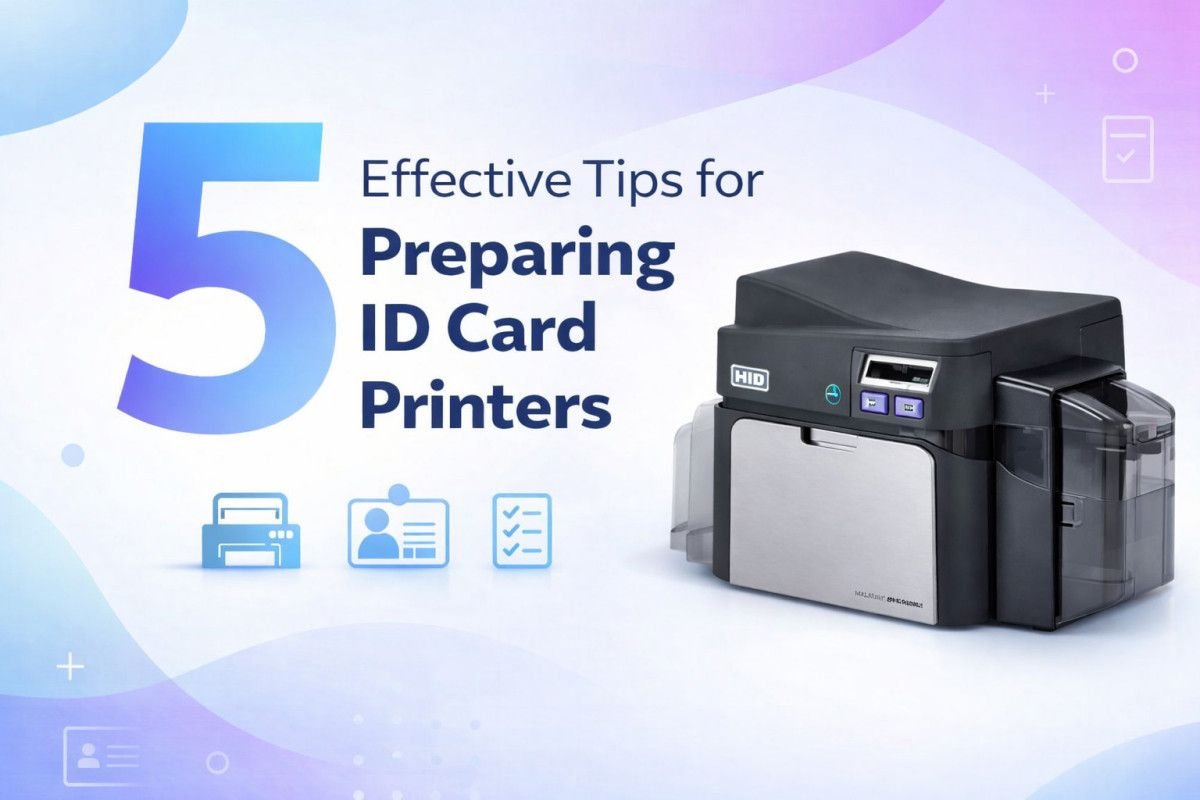
ID card printers play an important role in many organisations. They are used to produce employee badges, membership cards, student IDs, and access passes. When these printers operate smoothly, they help organisations maintain efficient identification systems.
However, printing problems can quickly disrupt operations. Card jams, poor print quality, or equipment errors may delay card production and create unnecessary frustration. Preparing your printer before starting a job can prevent many of these issues. With a few simple steps, you can ensure your printer runs efficiently and produces professional quality cards.
1. Check Printer Supplies Before Starting
Before beginning any printing job, it is important to confirm that your printer has the necessary supplies. Running out of ribbon or blank cards during a printing task can interrupt production and create delays.
Start by checking the ribbon level and ensuring that the correct ribbon type is installed for your printing job. Verify that the card hopper contains enough blank cards to complete the task without interruption.
Taking a few moments to confirm your supplies can save time later. This simple step allows printing jobs to proceed smoothly and reduces the risk of unexpected interruptions.
2. Clean the Printer Regularly
Dust and residue can build up inside ID card printers over time. This buildup may affect print quality and cause feeding problems.
Regular cleaning helps maintain the internal components of the printer. Most manufacturers recommend using cleaning kits designed specifically for ID card printers. These kits typically include cleaning cards and tools that remove debris from rollers and print heads.
Maintaining a regular cleaning routine improves the reliability of your printer. It also helps extend the life of the equipment and ensures that printed cards maintain a professional appearance.
3. Inspect Cards Before Loading
Not all printing problems originate from the printer itself. Sometimes the blank cards used for printing may be damaged, warped, or contaminated with dust.
Before loading cards into the printer, inspect them carefully. Look for bends, scratches, or signs of contamination that could affect printing performance.
Using clean and undamaged cards helps prevent feeding issues and ensures consistent print results. This small step reduces the risk of card jams and improves overall printing efficiency.
4. Verify Printer Settings and Software
Printer settings play an important role in producing high quality cards. Incorrect settings can lead to misaligned images, faded colours, or incomplete prints.
Before beginning a printing job, review your printer configuration and confirm that the correct settings are selected. Check the card layout, colour settings, and print resolution within the printing software.
Ensuring that these settings are correct helps produce accurate and professional results. When settings match the printer specifications, the printing process becomes far more reliable.
5. Perform a Test Print Before Large Jobs
Large card printing batches require careful preparation. Running a test print allows you to confirm that everything is working correctly before committing to a full production run.
A test card helps verify alignment, colour accuracy, and overall print quality. If adjustments are needed, they can be made quickly without wasting large quantities of cards.
Organisations that regularly produce membership cards can benefit from reliable equipment designed for these tasks. Solutions such as membership ID Card Printers provide consistent performance for producing professional quality cards.
Maintaining Reliable ID Card Printing
Preparing your ID card printer before printing is an important step in maintaining efficient operations. Simple actions such as checking supplies, cleaning equipment, and verifying settings can prevent many common printing problems.
These preparation steps help ensure reliable performance while producing clear and durable identification cards. When printers operate smoothly, organisations can issue badges and membership cards quickly without unnecessary interruptions.
Reliable printing processes also improve the overall appearance of identification systems. High quality cards contribute to professional presentation while supporting workplace security and membership management.